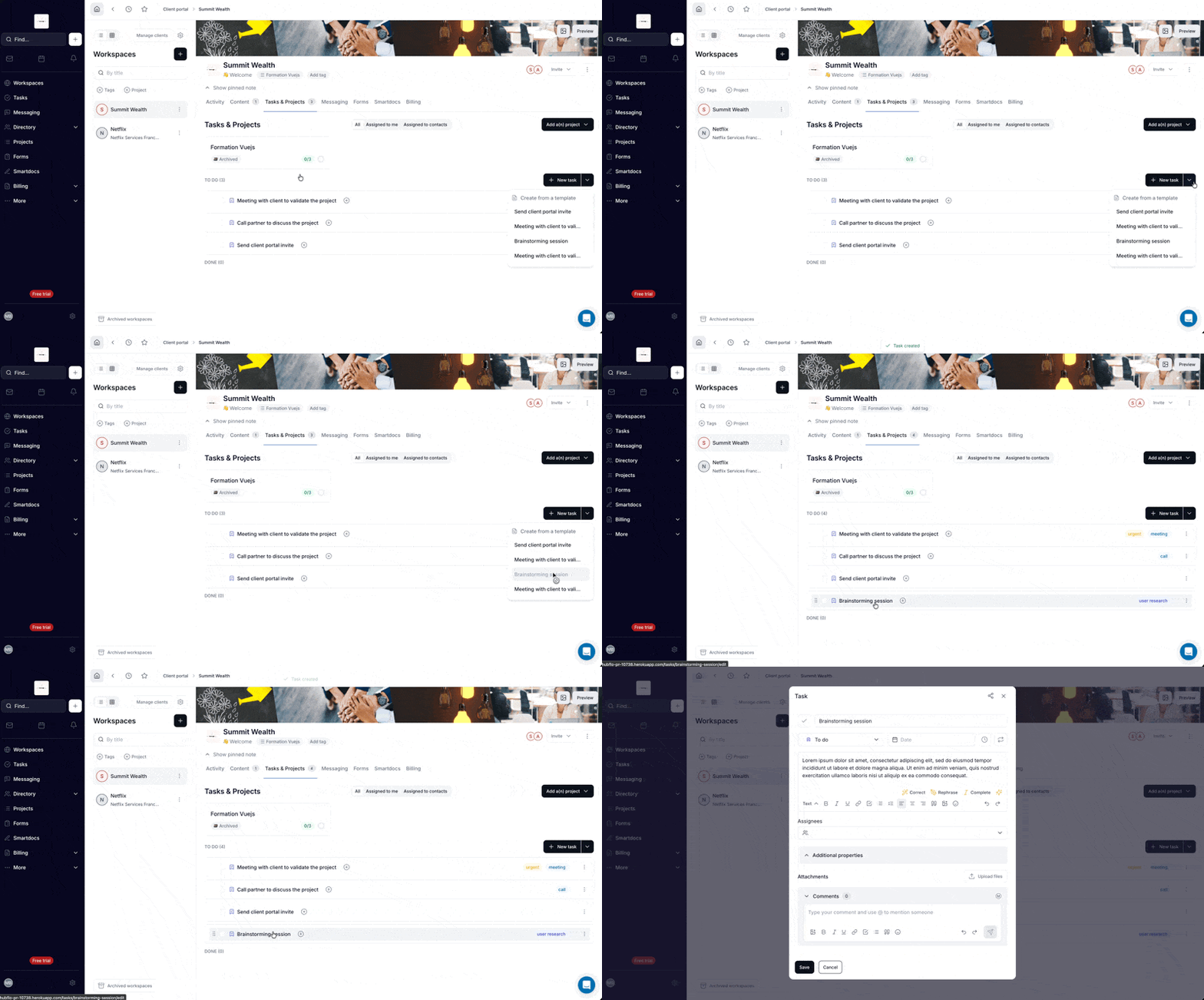
✏️ Task Templates
Create reusable task templates to standardize your team's recurring work.
How to use it
Go to Settings > Templates > Tasks. Define a name, type, description, tags, custom fields, attach files, and add subtask templates.
Then use the "New task" dropdown from any task list to create a task from a template in one click — everything is copied over. You can also save any existing task as a template from its action menu.
🎯 Key points
- Works (almost) everywhere: task index, workspaces
- All properties copied: type, description, tags, custom fields, files, subtasks