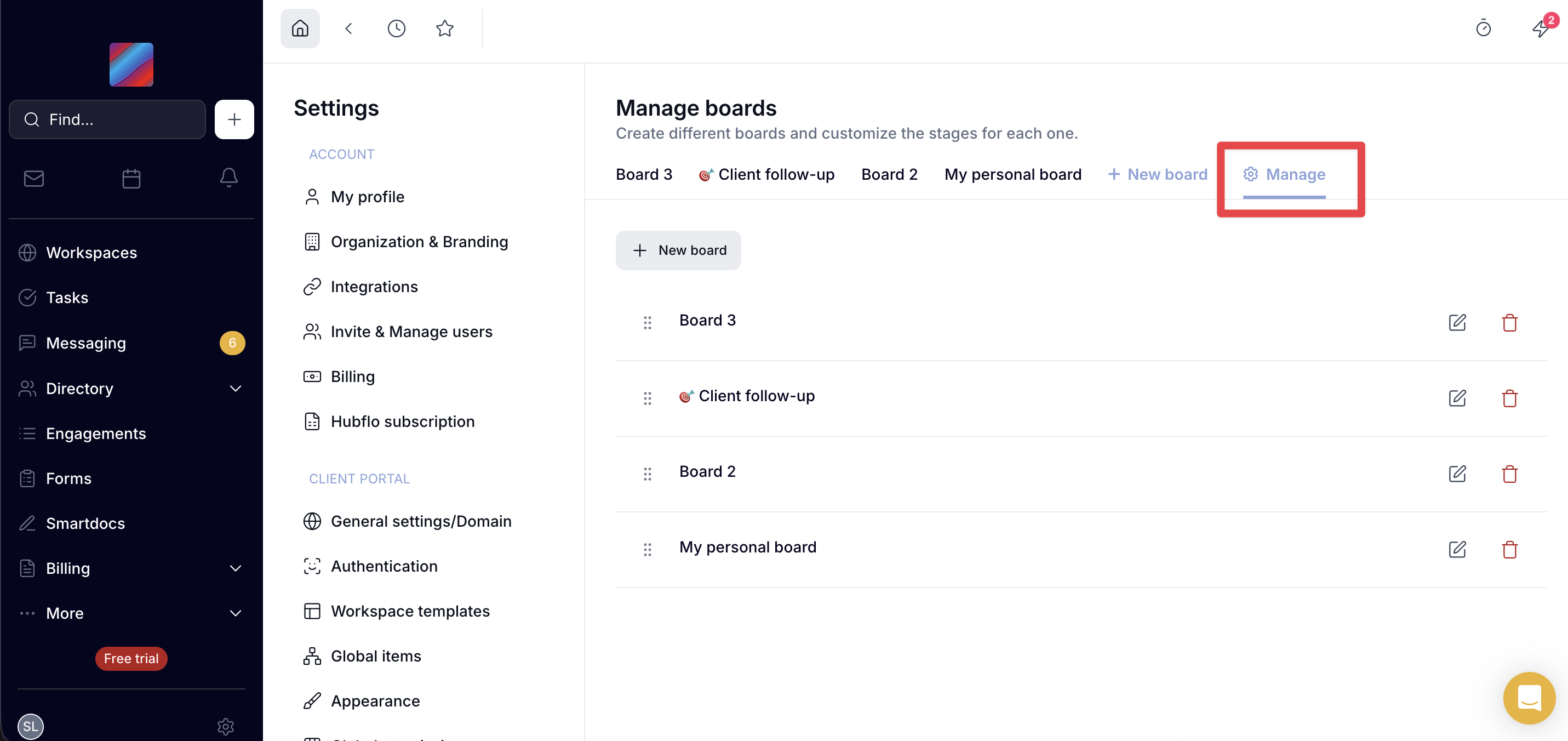
↕️ Reorder Project boards
You can now reorder your project boards via drag-and-drop and manage them from a dedicated settings page.
⚙️ How it works
- Go to Settings → Other settings -> Projects
- Click on manage to access the project board edit page
- Drag and drop boards to reorder them — the new order is reflected in the project list view