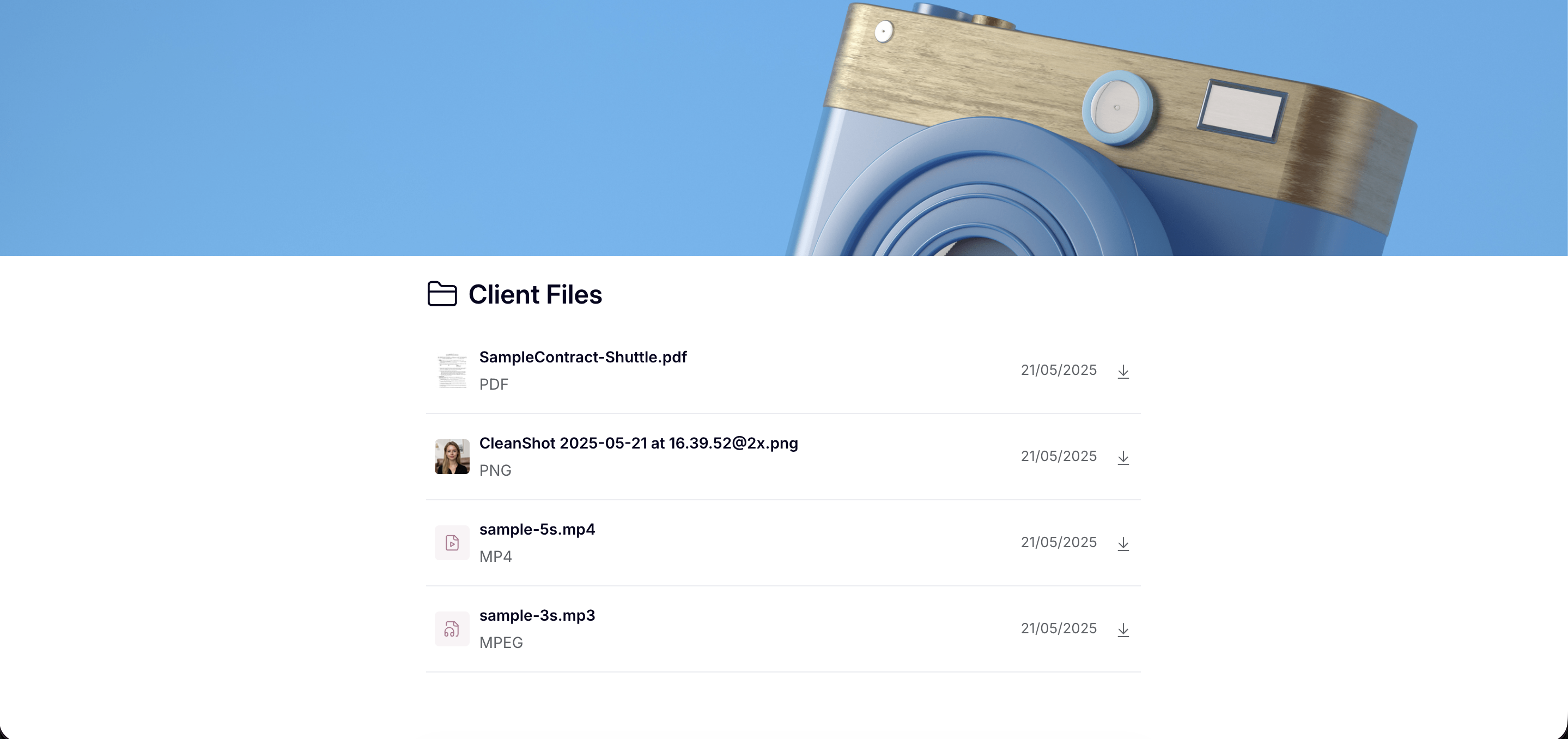
🔗 New: Public Link Sharing for Workspace Folders
You can now generate a public link for any workspace folder, making it easy to share files with clients or external stakeholders — no login required.
How it works
When clicking the share button on a folder, you'll now see two options: the existing private link (requires authentication) and a new public link (view only). Copying the public link automatically marks the folder as public, and a banner will appear on the folder to confirm it's publicly accessible.
Admin control
This feature is opt-in at the organization level. To enable it, go to Settings > Client Portal > Global Permissions and toggle on "Enable public link sharing for folders". It's disabled by default so existing setups are not affected.
When the setting is off, public folder pages are inaccessible.