🚀 New! Custom display for files & folders in the Client Portal
New Feature
You can now choose how files and folders are displayed in your client portal.
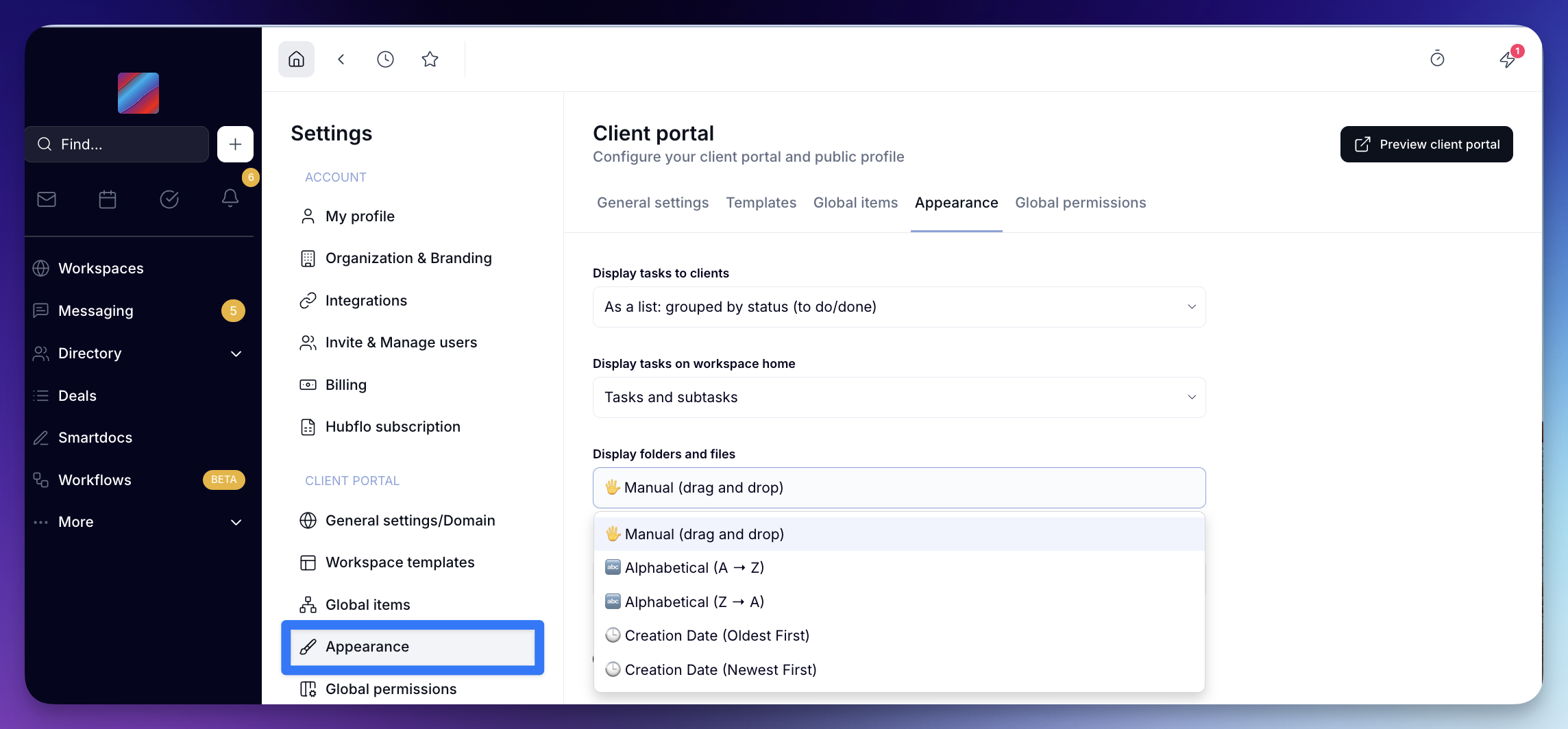
Head over to Settings > Appearance to choose from 5 options:
✋ Manual (drag and drop)
🔤 Alphabetical (A → Z)
🔤 Alphabetical (Z → A)
🕒 Creation Date (Oldest First)
🕓 Creation Date (Newest First)
Your selection will apply to all workspaces — and your clients will see the same display when logged into the Portal.
Let us you what you think! ✨✨