🚀 New! Boost your forms with Conditional Logic & Sections
New Feature
We’re excited to introduce Conditional Logic and Form Sections — two powerful tools to make your forms more relevant and user-friendly 🎯
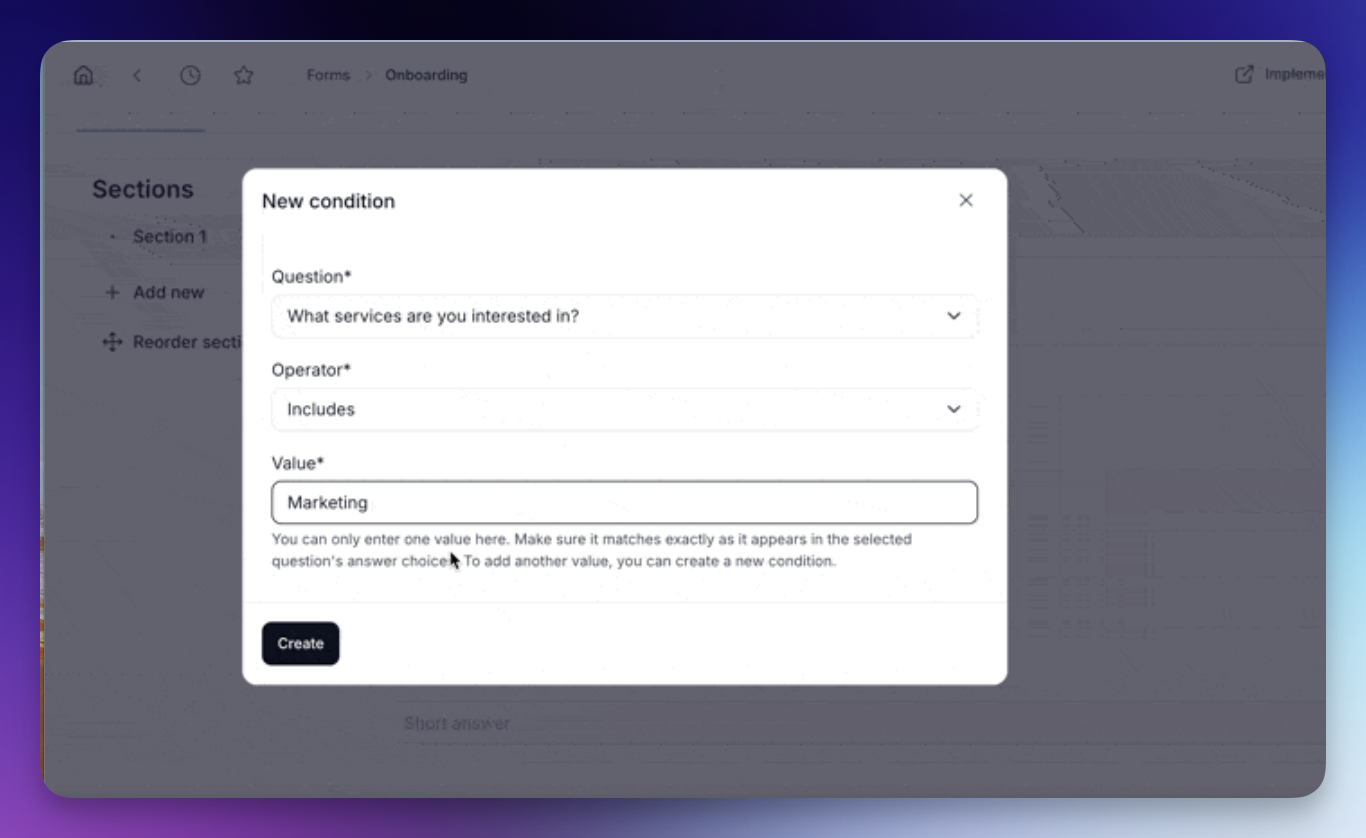
Conditional Logic
- Show or hide questions based on previous answers.
- You decide which questions appear depending on what the client selected earlier.
For example:
- If someone picks “Business” → show company-related questions
- If they pick “Personal” → skip them
How it works:
- Use Dropdowns, Radio buttons or Checkboxes as trigger questions
- Set up conditions using values from the user’s answers
- Each question can have up to 3 conditions (works like “OR” logic)
Form Sections
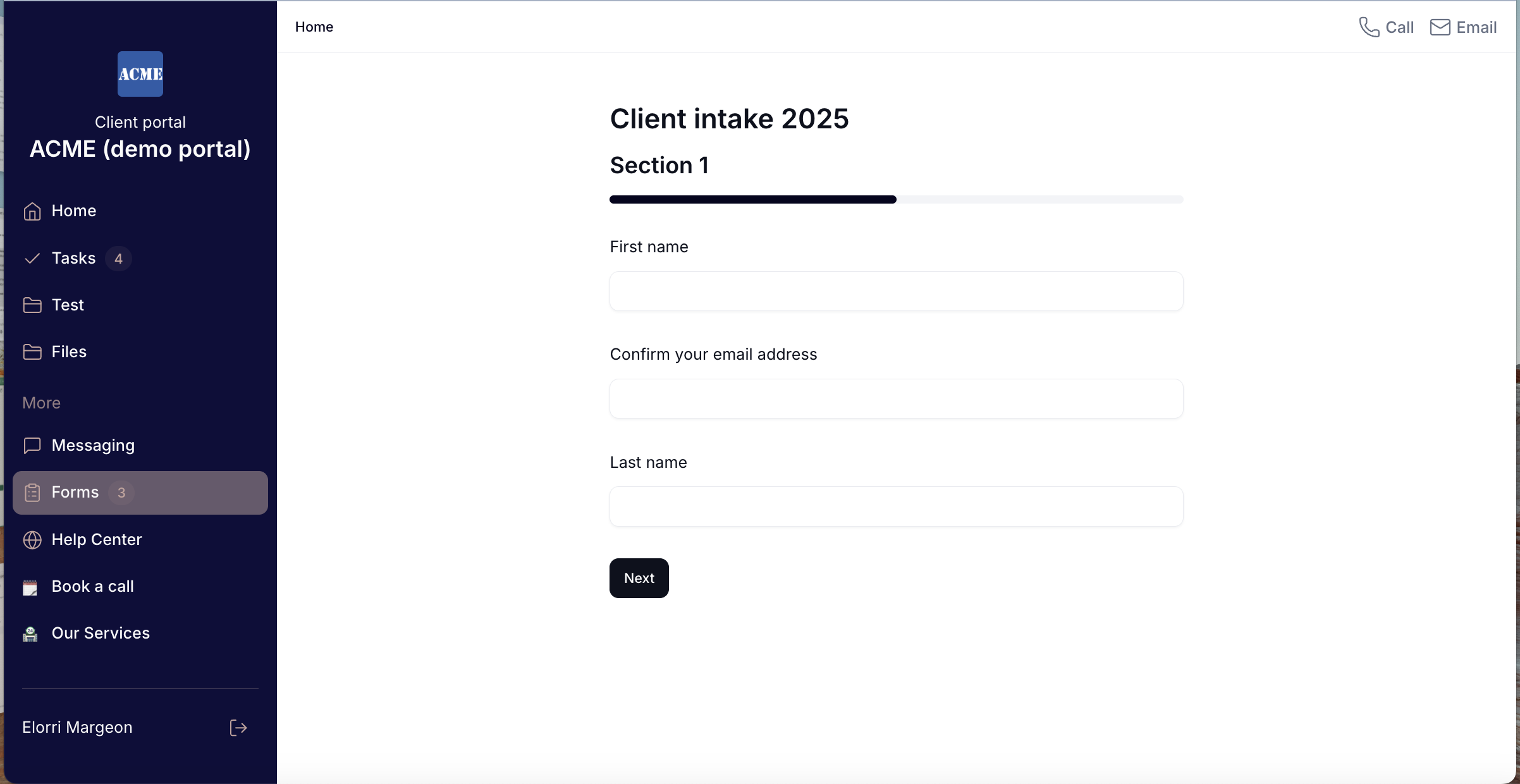
- Break long forms into clean, organized sections.
- Add a section title and description, group related questions together, and reorder everything easily with drag & drop.
Perfect for improving flow and keeping your clients focused.
These two features work great together to create a smoother, more personalized form experience.
Check out the FAQ article to learn how to set conditional logic step by step!